Onset has been completely rebuilt for improved performance, featuring a cleaner interface and streamlined processes to help you publish updates more easily. A brief maintenance window will occur on August 23rd, 2025, during which all your data and settings will be migrated to the new platform without any action needed from you. Key updates include a more compact releases list, a refreshed roadmap with a Kanban view, and the introduction of magic link authentication, while some integrations and features have been temporarily removed or deprecated.
We rebuilt Onset from the ground up with a cleaner interface, simpler flows, and faster performance. The focus is helping you publish clearer updates and keep customers informed with less effort.
Why we rebuilt Onset
Simply put. Our original stack was starting to show its age. As technology and our needs evolved, the system we built years ago became harder to maintain and extend. We’re rebuilding Onset to fix that at the core, not just to tidy up code but to establish a simpler, faster, and more scalable foundation. This foundation lets us ship improvements sooner and unlock the next wave of capabilities.
A seamless transition
Rewriting a platform is one thing; switching it on without disruption is another. The Onset dashboard will enter a brief maintenance mode over the weekend (August 23rd, 2025) while we migrate all workspaces to the new platform. No action is required from you, and your data and settings will be carried over.
What to expect
A short, scheduled maintenance window on the dashboard during the weekend (August 23rd, 2025) migration.
All releases, roadmap items, subscribers, and branding settings migrated to the new platform.
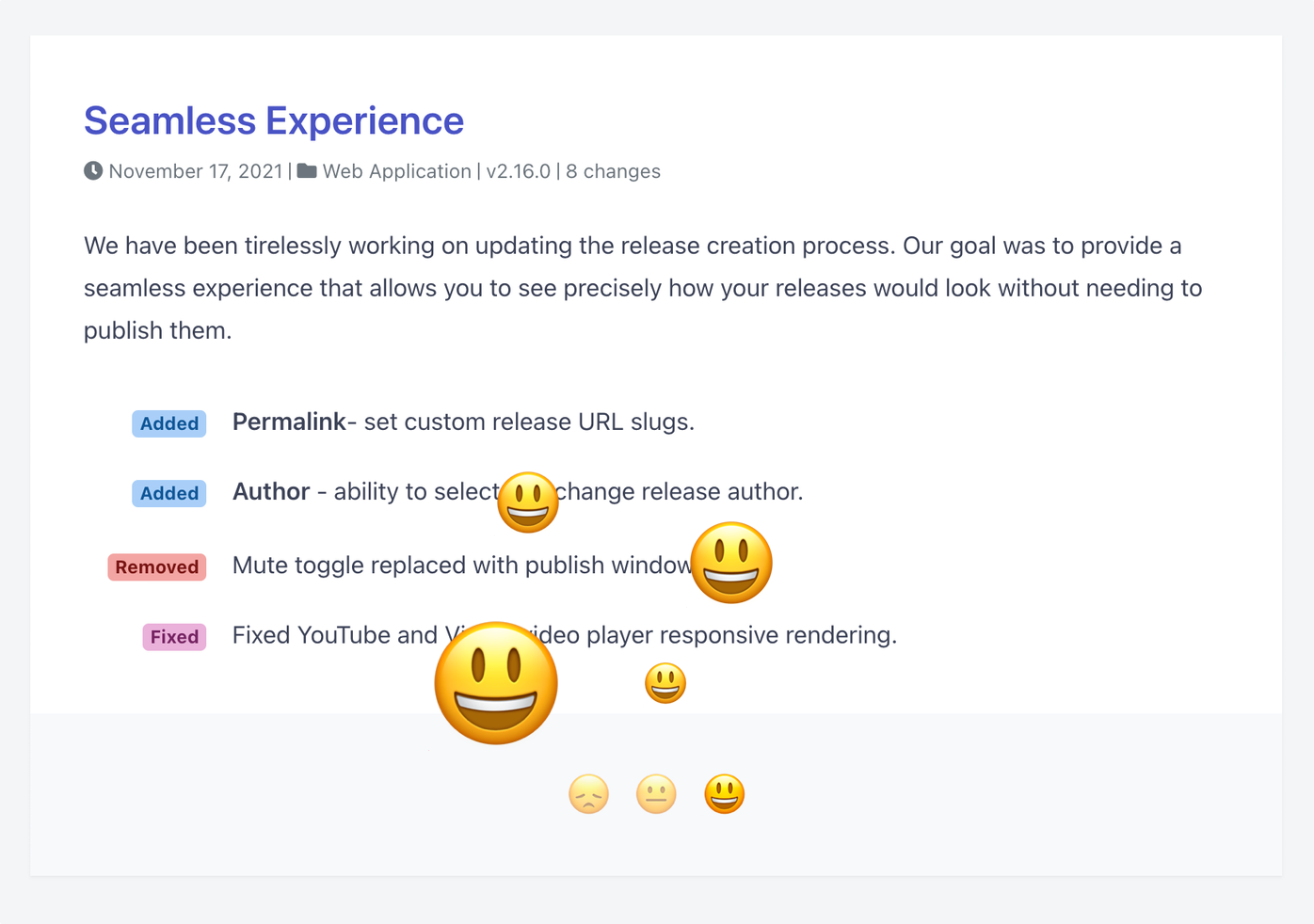
Your public pages are migrated to the new design.
After we’re back, open the dashboard and pick up right where you left off. If anything looks off, contact support@onset.io and we’ll help immediately.
Release notes
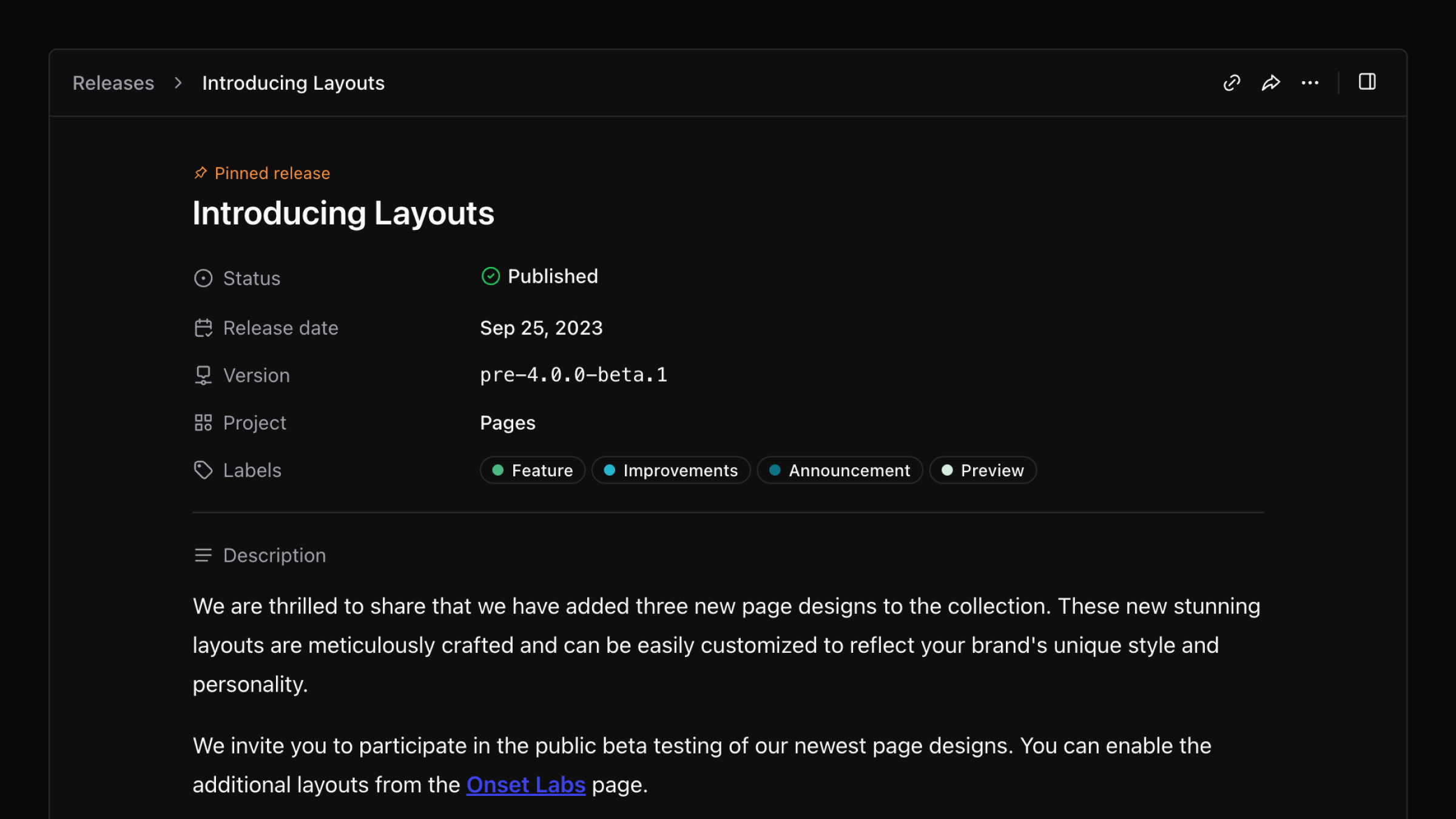
The release experience is streamlined so you can write, publish, and share in fewer steps.
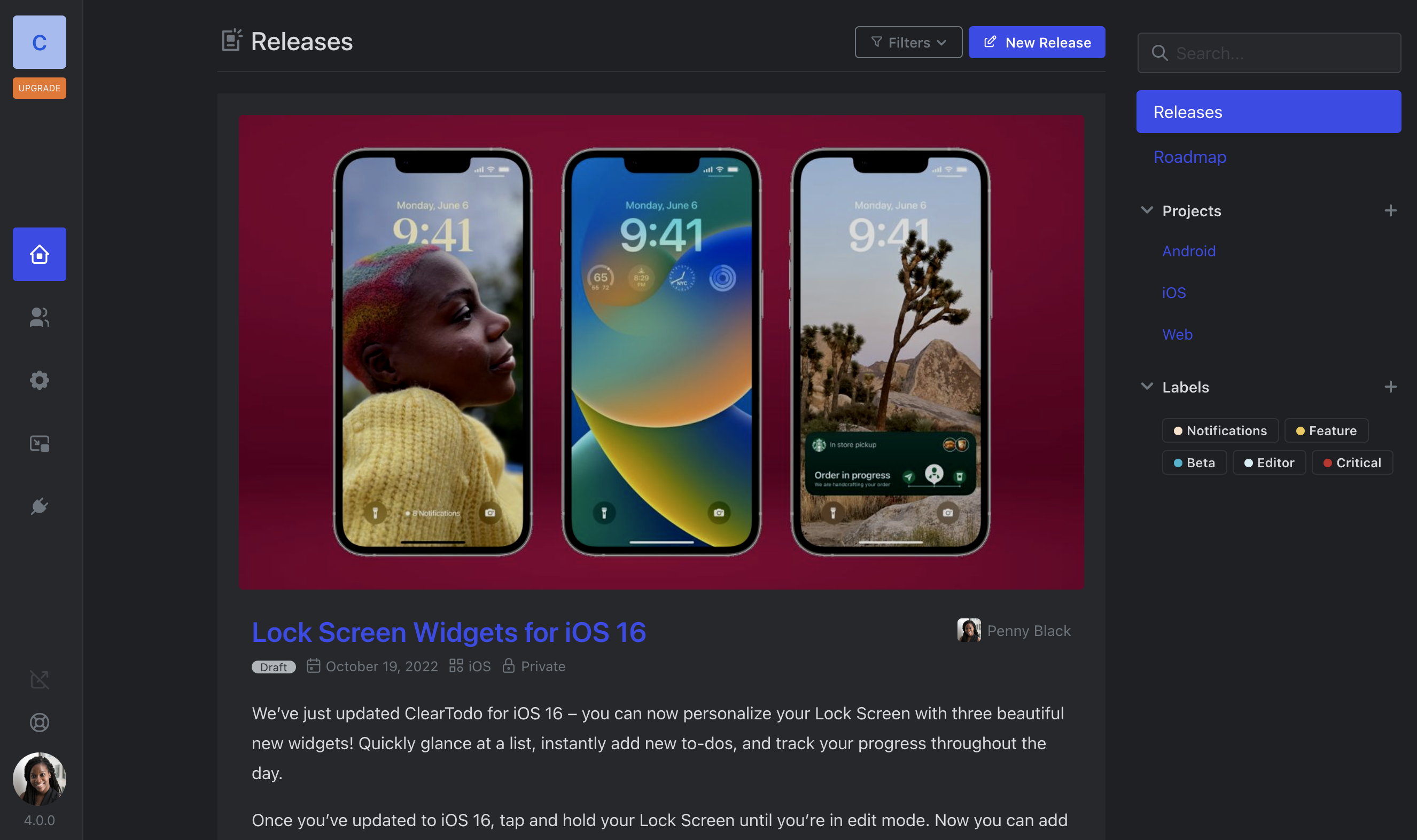
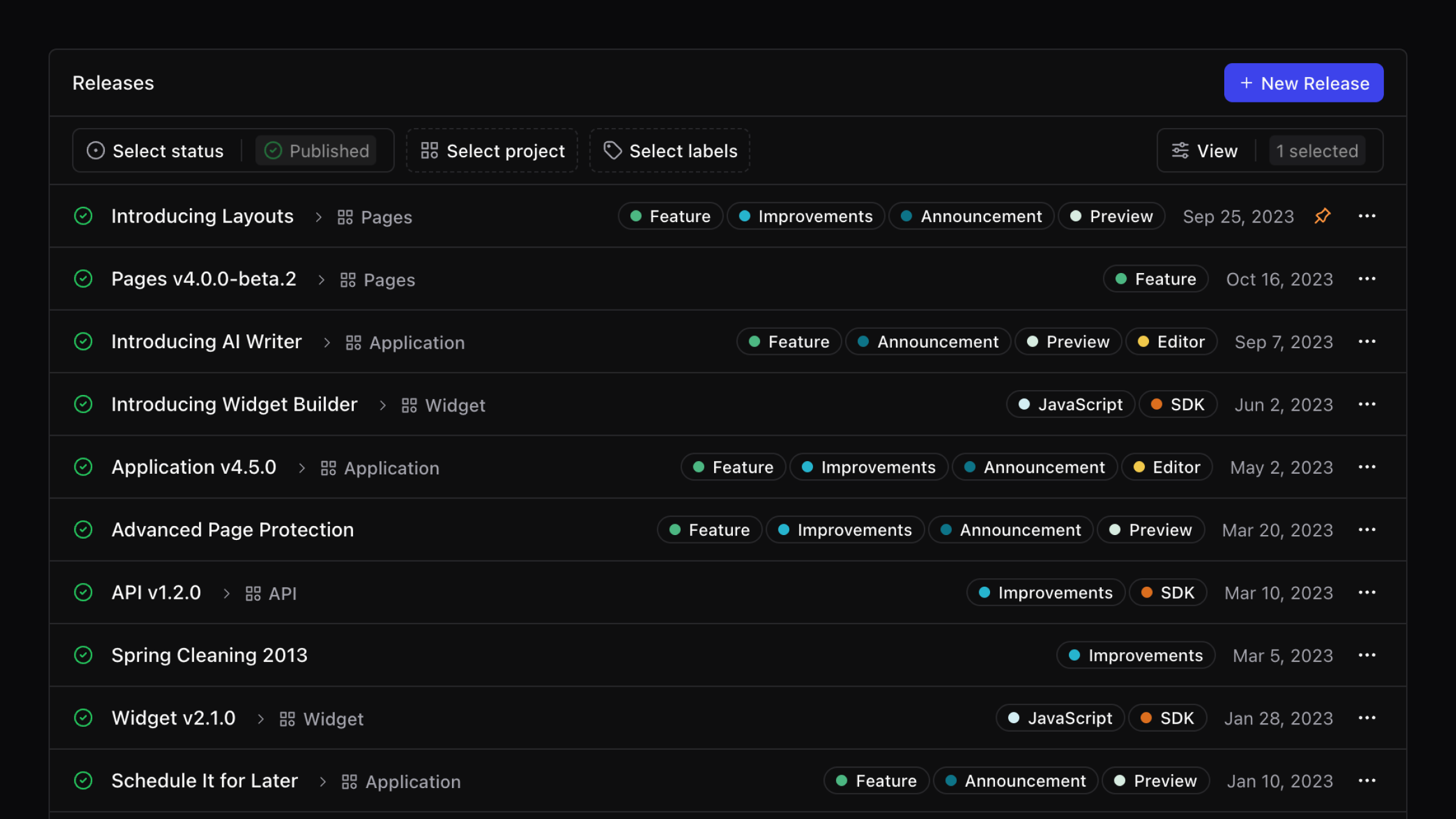
List view
The releases list is more compact and readable. It reduces scrolling, surfaces key metadata at a glance.
Roadmap
We refreshed the roadmap to improve readability and planning clarity.
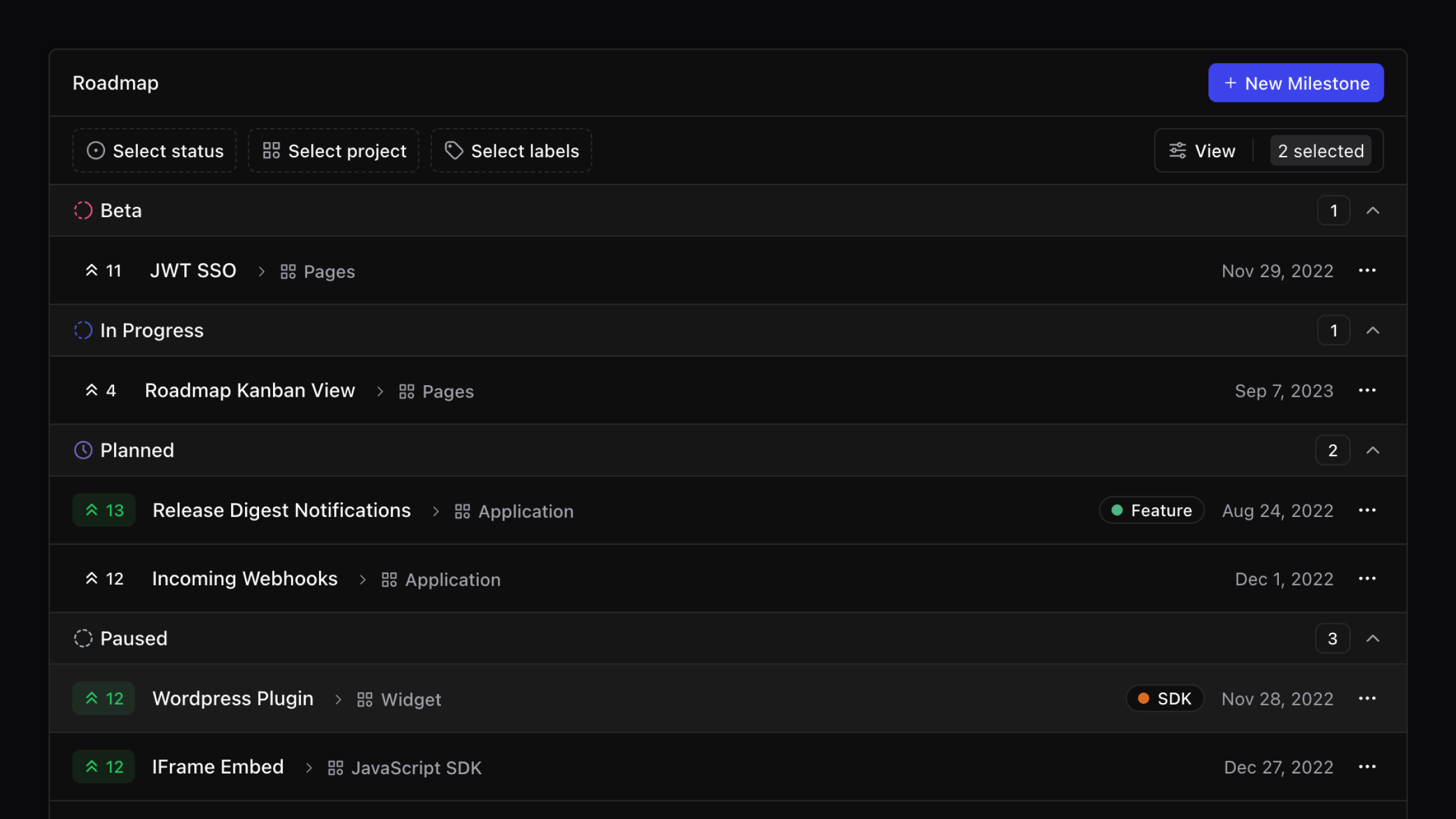
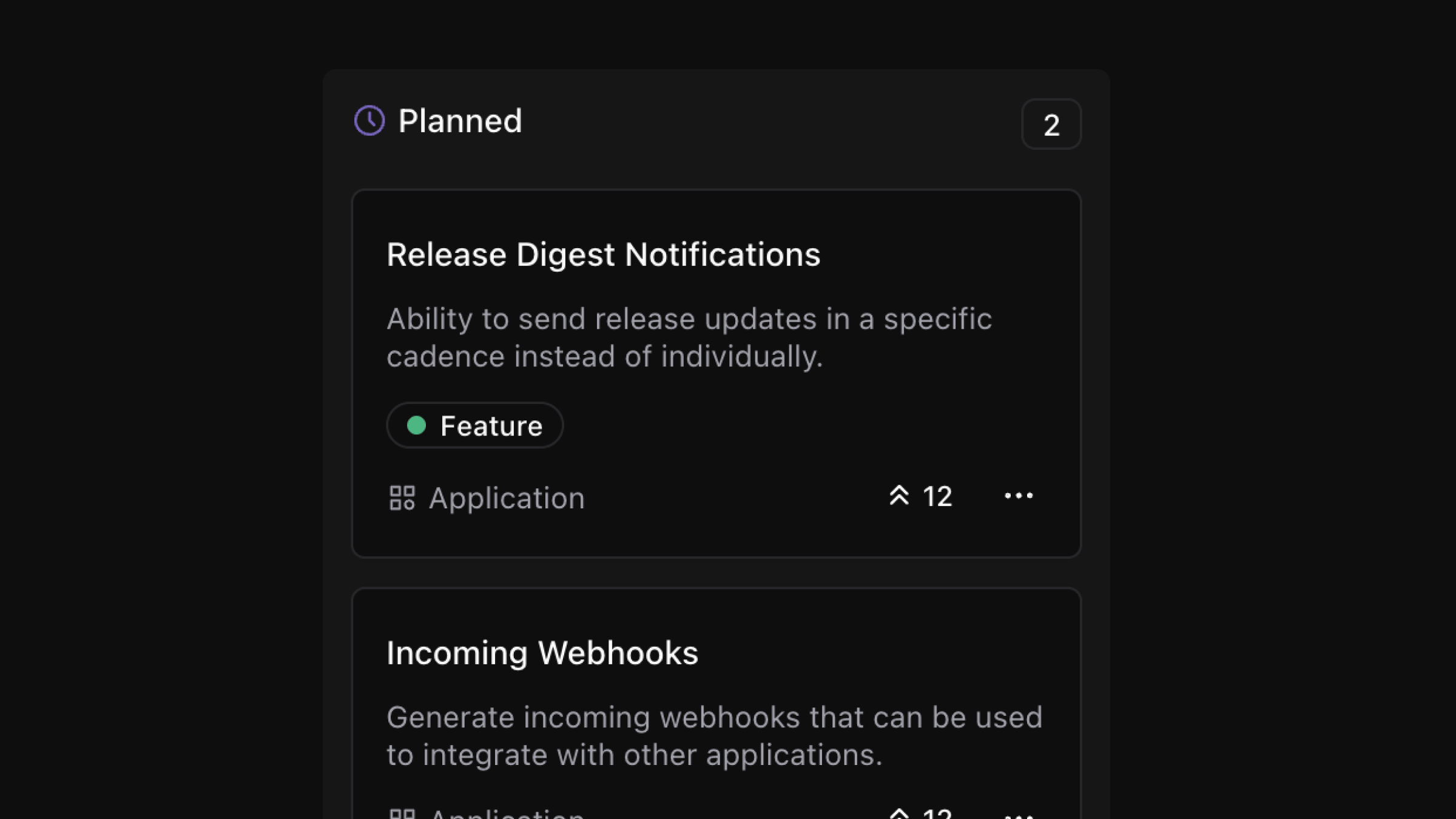
Kanban view
A board layout is available for teams that prefer a column view. It uses your roadmap stages and gives a quick read on distribution across columns.
Email notifications
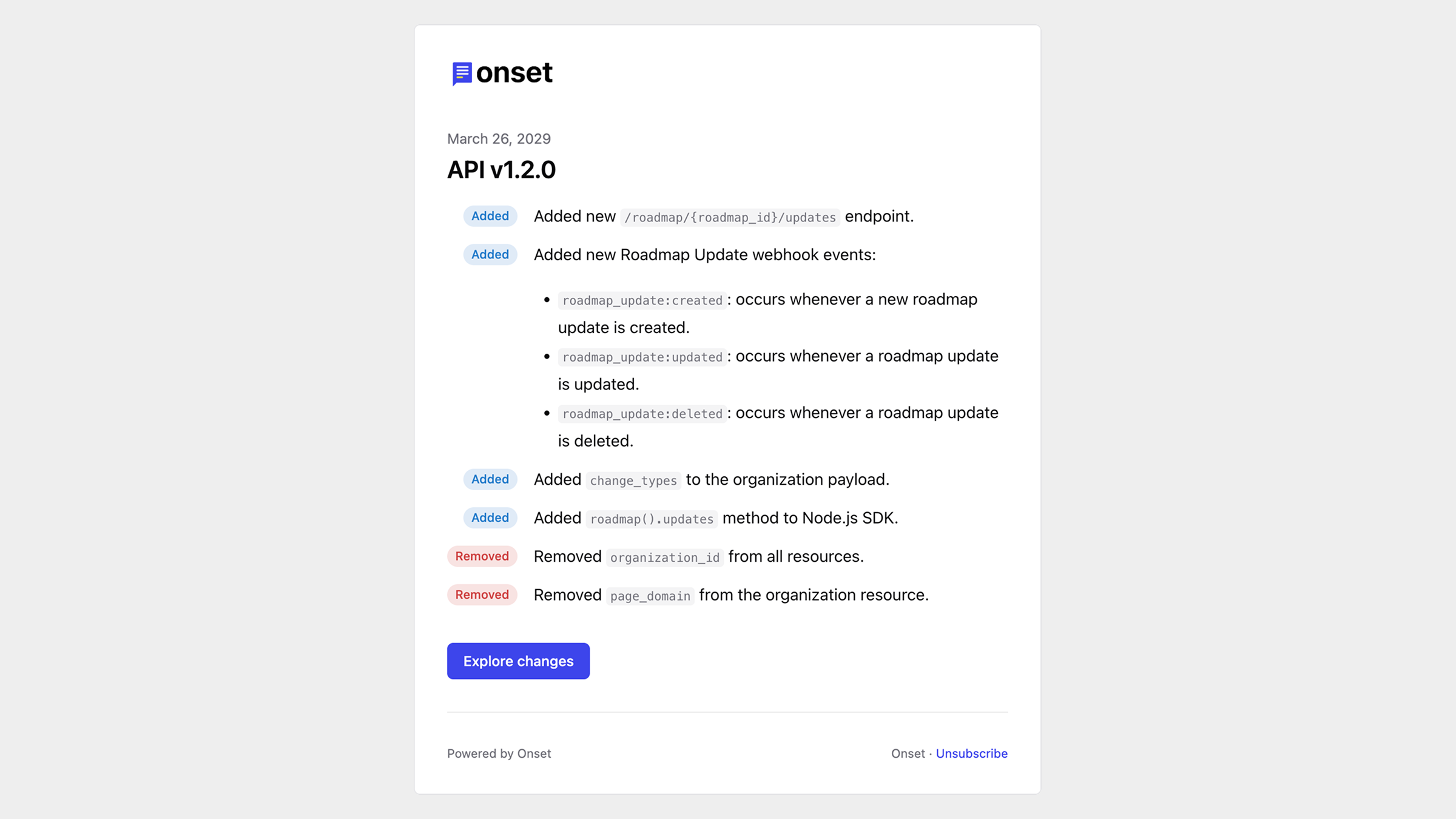
Custom email templates are deprecated in favor of the single high quality layout. You can now preview emails and customize the look and feel to be on brand.
Integrations
We are simplifying integrations to focus on the most used status and analytics providers while we redesign the rest. GitLab, Slack, and Sentry are deprecated for now. If you rely on a deprecated integration, contact support@onset.io for transition guidance.
Authentication and security
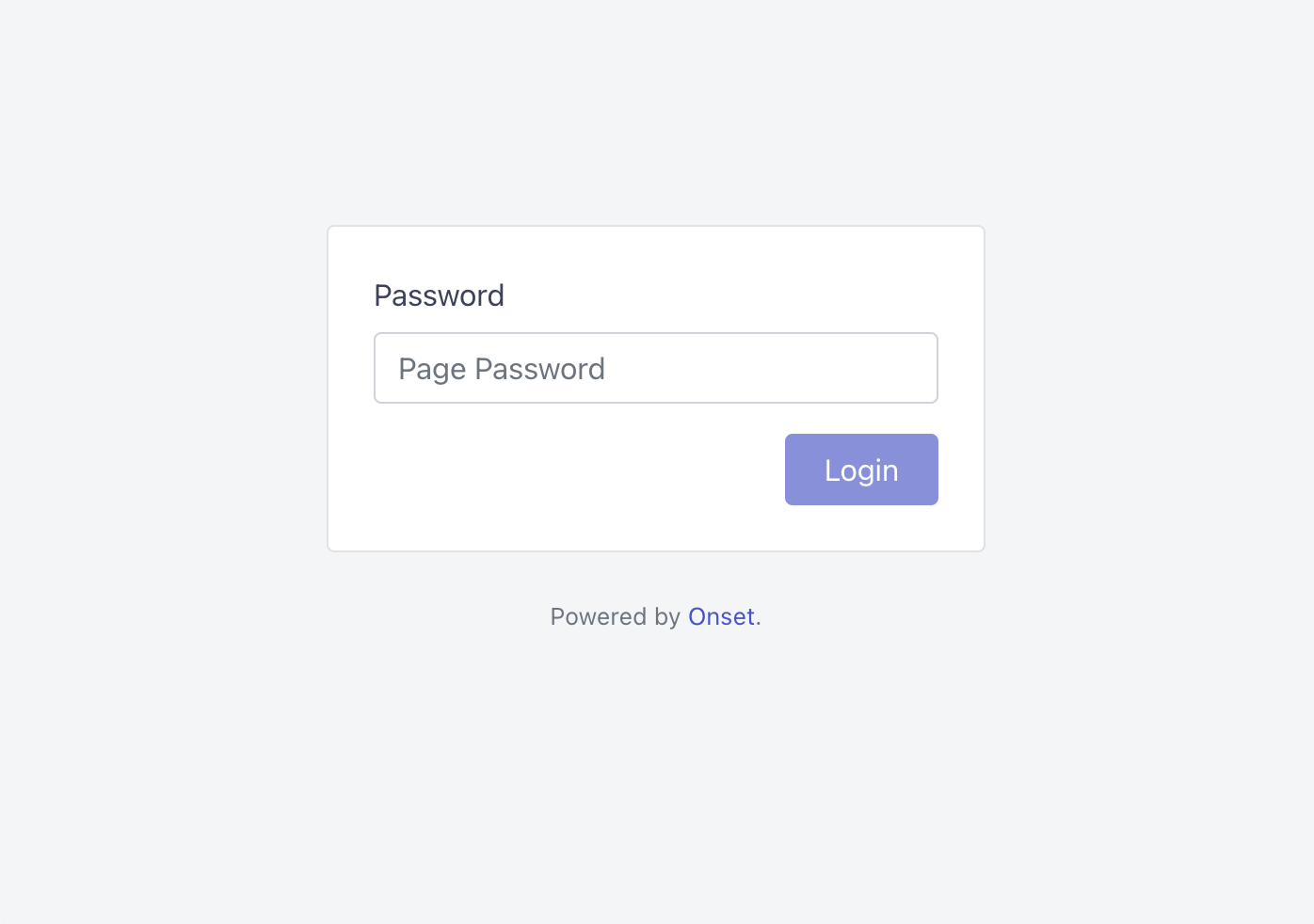
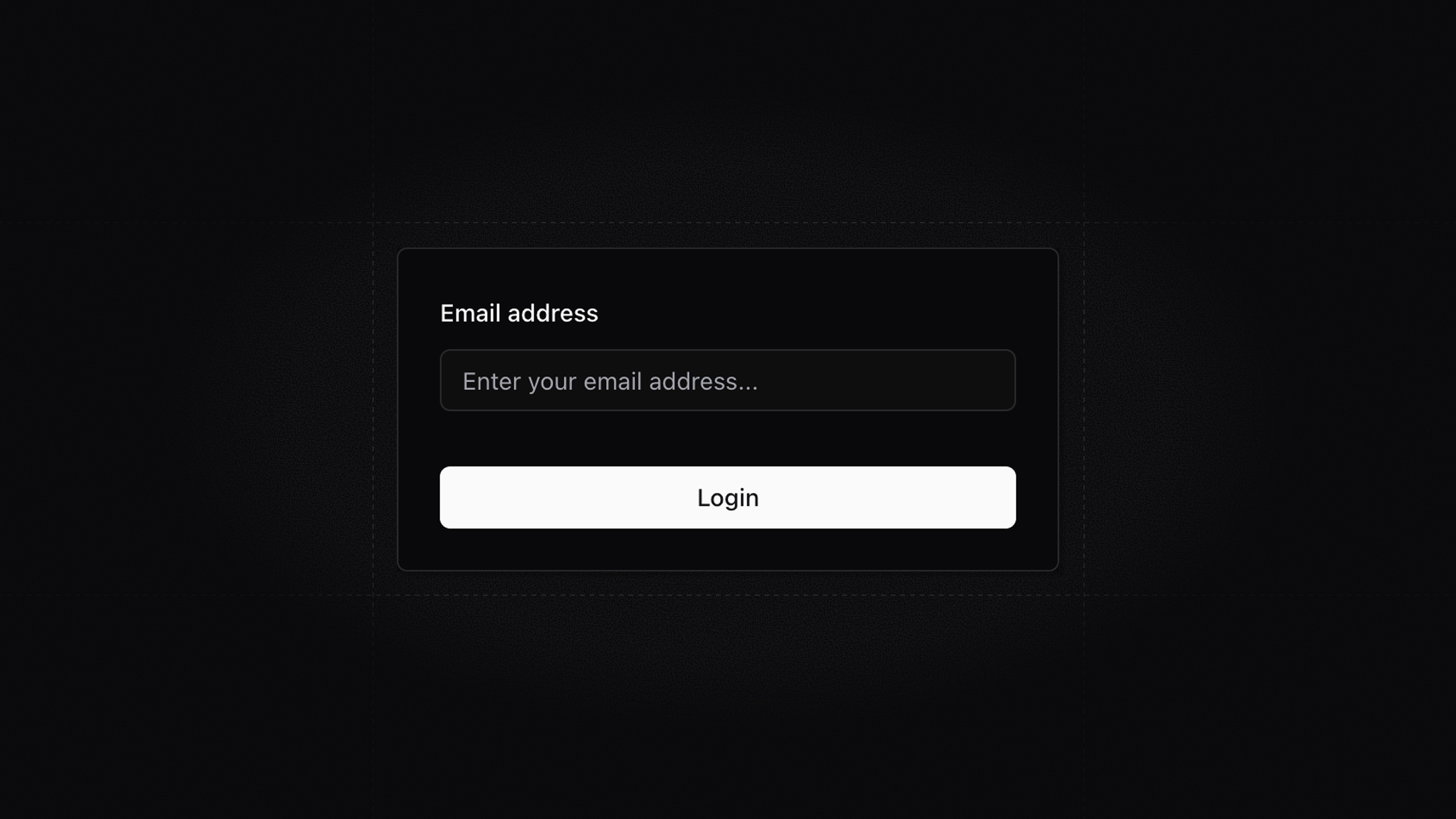
Password login is replaced with magic link authentication. If you used passwords previously, you can continue signing in by requesting a magic link from the login screen.
Other notable changes
Some features are removed or temporarily paused while the new architecture settles.





.png)


.png)