
Mar 26, 2022
Application v3.2.0
Version
3.2.0
Project
Application
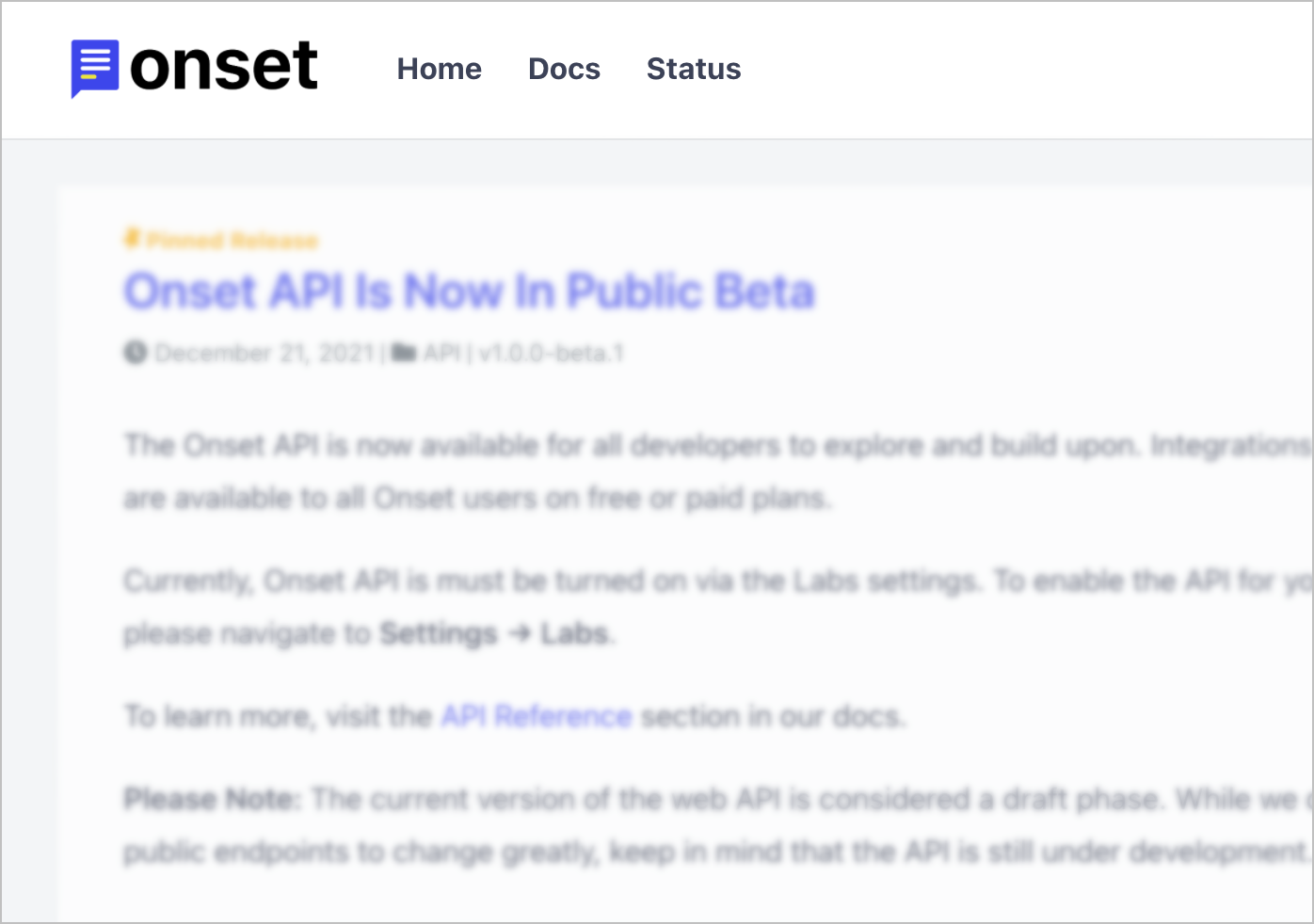
You can now add links to your website and other important resources in the header of your release notes page.
Just add the URLs you'd like to link to, and they'll appear in the header. If you add social media links, they'll appear as clickable icons on the sidebar.
Added
Added new Header Links section to the Settings → External Links page.
Added
Unsaved release discard notification so you don't accidentally lose your work.
Added
Outdated draft release date highlight.
Added
Added ability to display release author info. Enable it via the Settings → Privacy page.
Fixed
Slack integration settings.
Fixed
<pre> tag responsiveness fix.
We use cookies to enhance your browsing experience and analyze our traffic.