
Mar 15, 2022
All About the Privacy
Version
2.1.0
Project
Pages
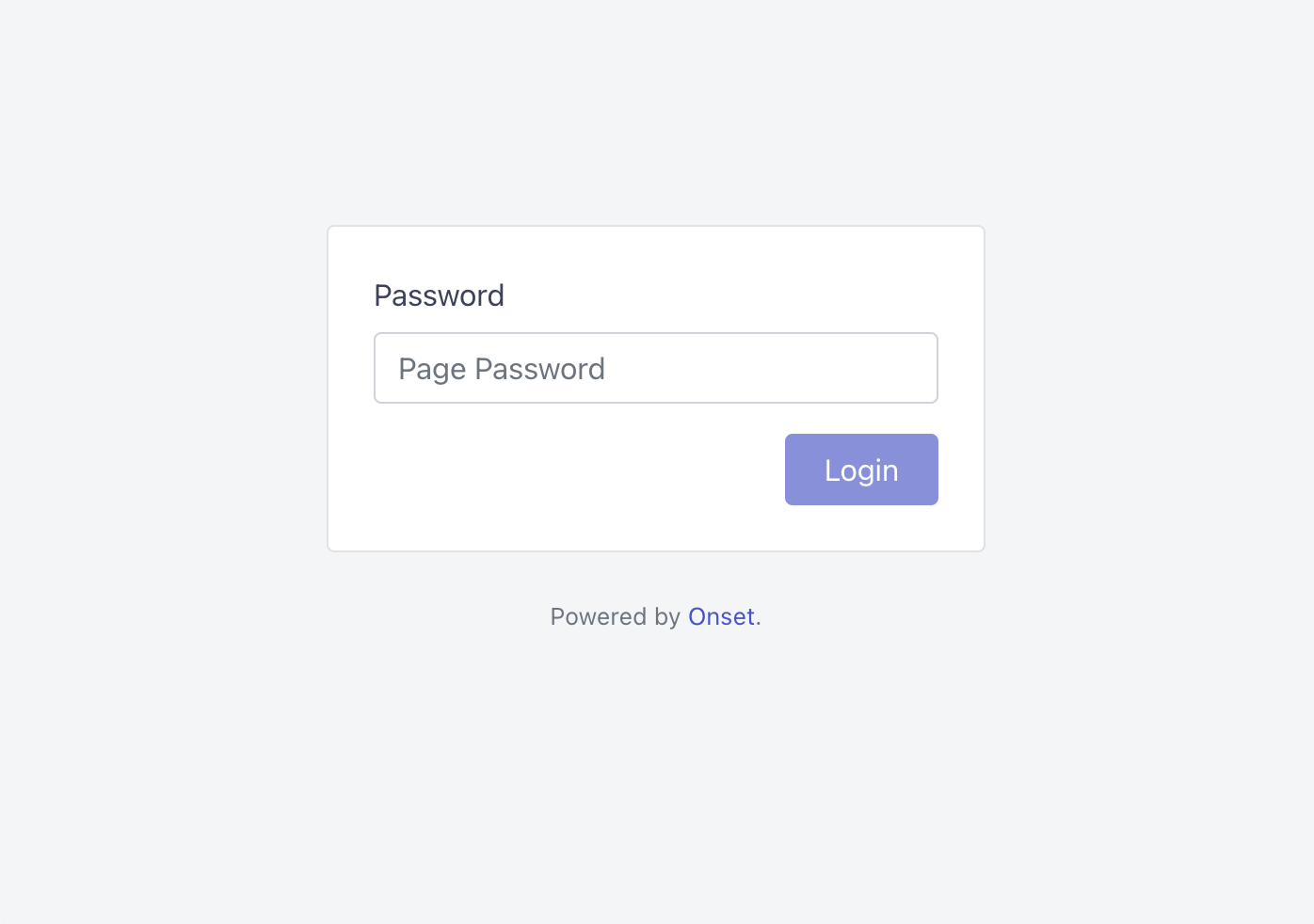
In this release, we are focusing on page privacy. Password-protected pages are now available for preview. Lock your page and only allow those with the password to view it.
Currently, the password-protected privacy layer must be turned on via the Labs settings. To enable the feature for your workspace, please navigate to Settings → Labs.
Password-protected pages are available for paid customers only, Team Plan, and above.
Added
Disable public subscribers.
Added
Disable search engines from crawling your release notes.
Added
Password-protected page.
Fixed
Statuspage loading bug.
We use cookies to enhance your browsing experience and analyze our traffic.